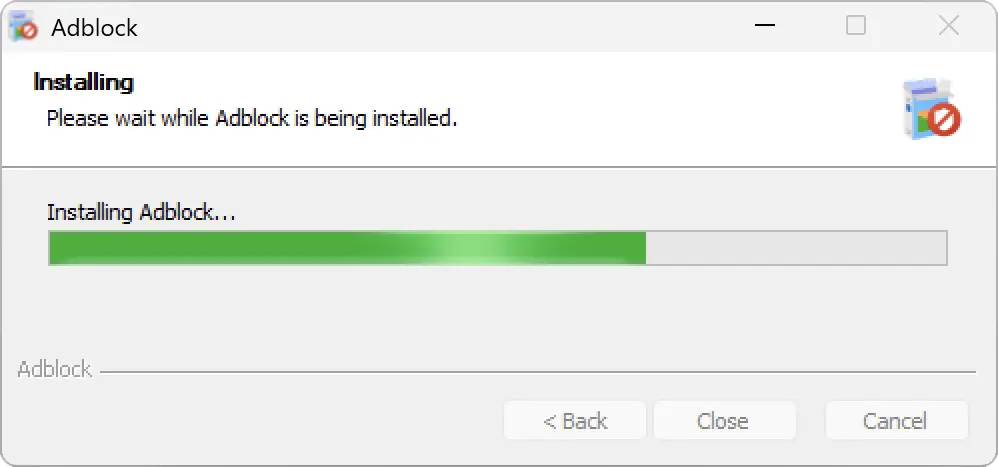
Thanks for downloading!
Just a few steps left...
Your download will begin automatically. If it does not start, click here to download.
Installation is quick & easy
Follow these three simple steps to get AdBlock up and running.
Step 1
Open
Open the ‘AdblockSetup.exe’ file from the downloads list in the top-right of this window.
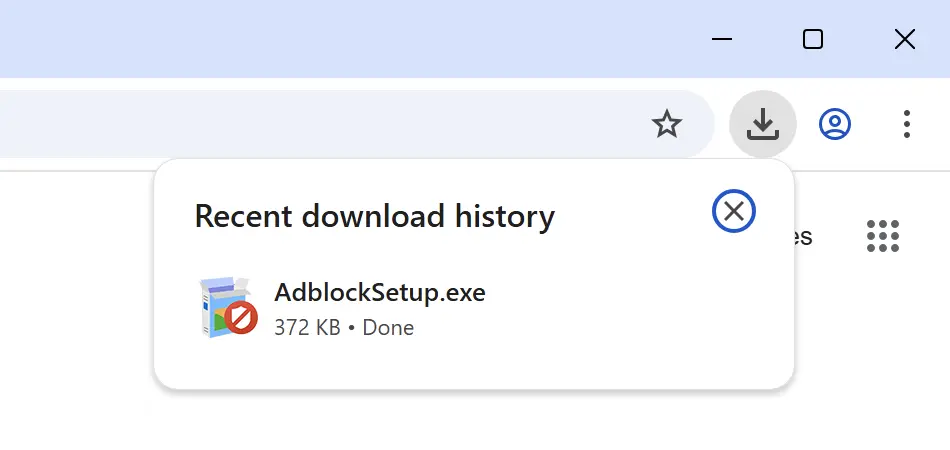
Step 2
Allow
If prompted, click ‘Yes’ on the system dialogue to allow the application to run and install.
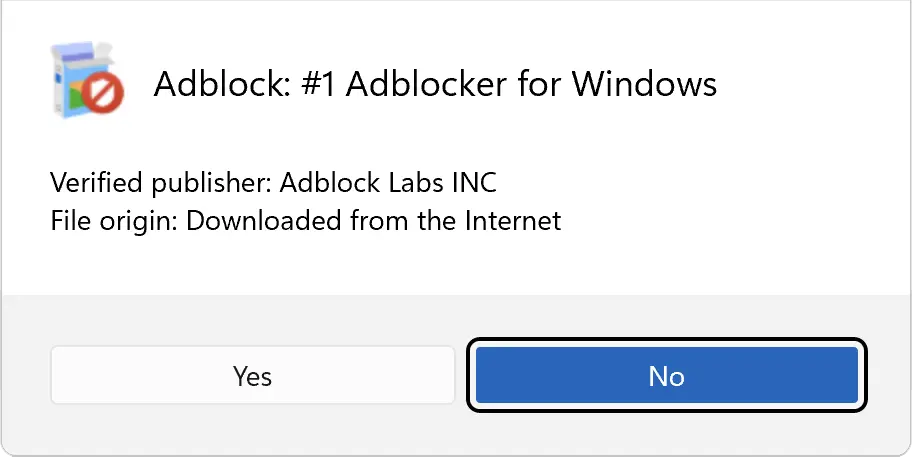
Step 3
Install
Wait a moment while AdBlock installs. It will launch automatically once complete — you're all set!